
Updated
METRO 2039 Controls
Steam says “full controller support.” Steam does not say which face button tilts the watch. Until 4A publishes a chart, this sheet is two layers: keys previewers actually mentioned, and Metro series defaults labelled as unverified for 2039. It is a starting bind, not a manual scan.
Confirmed or strongly sourced
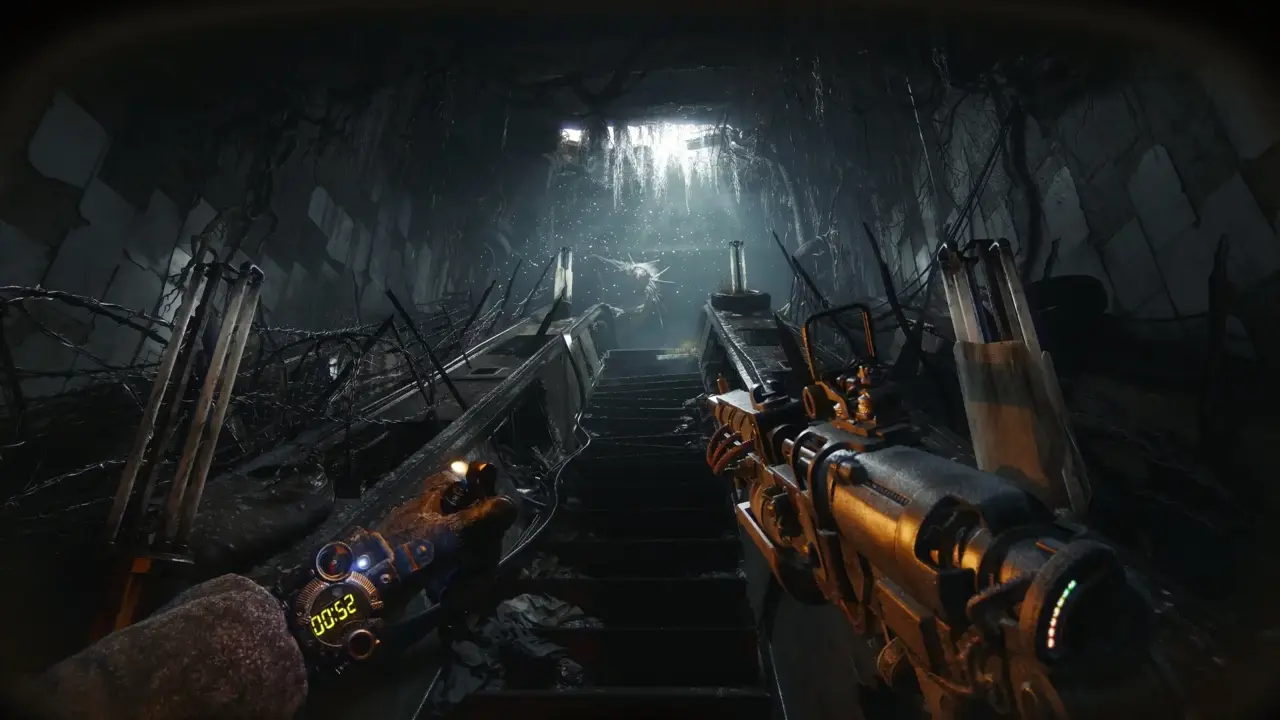
IGN, on keyboard: Y tilts the gun to show the digital watch. That is the most important 2039-specific bind we have in public. If you rebound Y to something clever in another FPS, put the watch somewhere you will actually hit. The filter timer cannot replace a finger.
Xbox Wire: inventory is a backpack you set down. Map is a folio you raise. Save is a logbook X. Those are actions that need binds even if the keys are TBA. On a pad, expect a dedicated inspect / gadget wheel of some kind; we will not invent the exact face button. Steam’s DualSense and DualShock USB tags only promise the device is accepted, not that haptic triggers do a unique filter tick.
Remapping is listed as unknown on PCGamingWiki’s stub, which is another way of saying nobody has the options menu. Assume PC will remap because Metro PC usually does. Assume consoles will have a limited layout. Check this page again in February.
Series convention, labelled as such
The following come from Metro 2033 / Last Light / Exodus manuals and common PC defaults. They are a memory aid for veterans, not a 2039 leak. 4A can move any of them.
- Move — WASD / left stick (series default).
- Look — mouse / right stick.
- Sprint — Left Shift / click left stick.
- Crouch — Left Ctrl or C / B or Circle in older titles (varies).
- Jump — Space / A or Cross (varies).
- Fire — left mouse / RT.
- Aim — right mouse / LT.
- Reload — R / X or Square in some Metro pads.
- Use — E / A.
- Flashlight — F in many PC Metros.
- Gas mask — G in many PC Metros.
- Journal / map — M in many PC Metros; 2039 may use a folio-specific bind.
- Lighter — often bundled with aim or a gadget key in older games.
How to think about the pad
Metro pads have always been crowded because the fantasy is full of gadgets. 2039 adds UV, a more aggressive watch inspect, and a physical backpack. If 4A hides gadgets behind a hold-d-pad, learn that hold before you enter the surface. Do not discover UV in a dark school while a ghost child is happening. Xbox Wire’s horror room is a reading room. Bind accordingly.
No crosshair means ADS matters more. If your stick accel feels arcade, lower it. If you came from Exodus, start from that sensitivity and only then tweak. Versus Exodus is design; this page is thumbs.
Accessibility, still a blank
Toggle crouch, aim assist, waypoint extras, subtitle size, colour-blind filter, and a “pin the watch” option are unpublished. 4A’s last decade has been better than silent on this, but 2039’s menu is not public. If you need those options to play, wait for a launch screenshot before you buy on faith. The platforms page will note menu talk when reviewers photograph it.
Until then, use this sheet as a rehearsal next to how to play and equipment. The Metro has always been a game about hands. Give your hands a map, even a pencil one.
Keep reading in this section
Frequently asked questions
+ What is the official METRO 2039 keybind list?
Not posted. This page mixes one preview bind (Y for watch) with series defaults clearly labelled.
+ Is there mouse-and-keyboard on consoles?
Not specified. Steam’s PC tags do not speak for PS5 or Xbox.
+ Does Gyro work on DualSense?
Unknown. USB support is tagged. Gyro is not.
+ Where is the watch on a controller?
TBA. On PC preview, IGN used Y. Console players should expect an inspect / gadget button; we will fill the face when a video shows it.